GNOME Shell extensions he built for his own daily setup, a ThinkPad running Ubuntu 26.04 and GNOME 50 on Wayland. All of them are open source under GPL-2.0-or-later.
System Monitor Mini
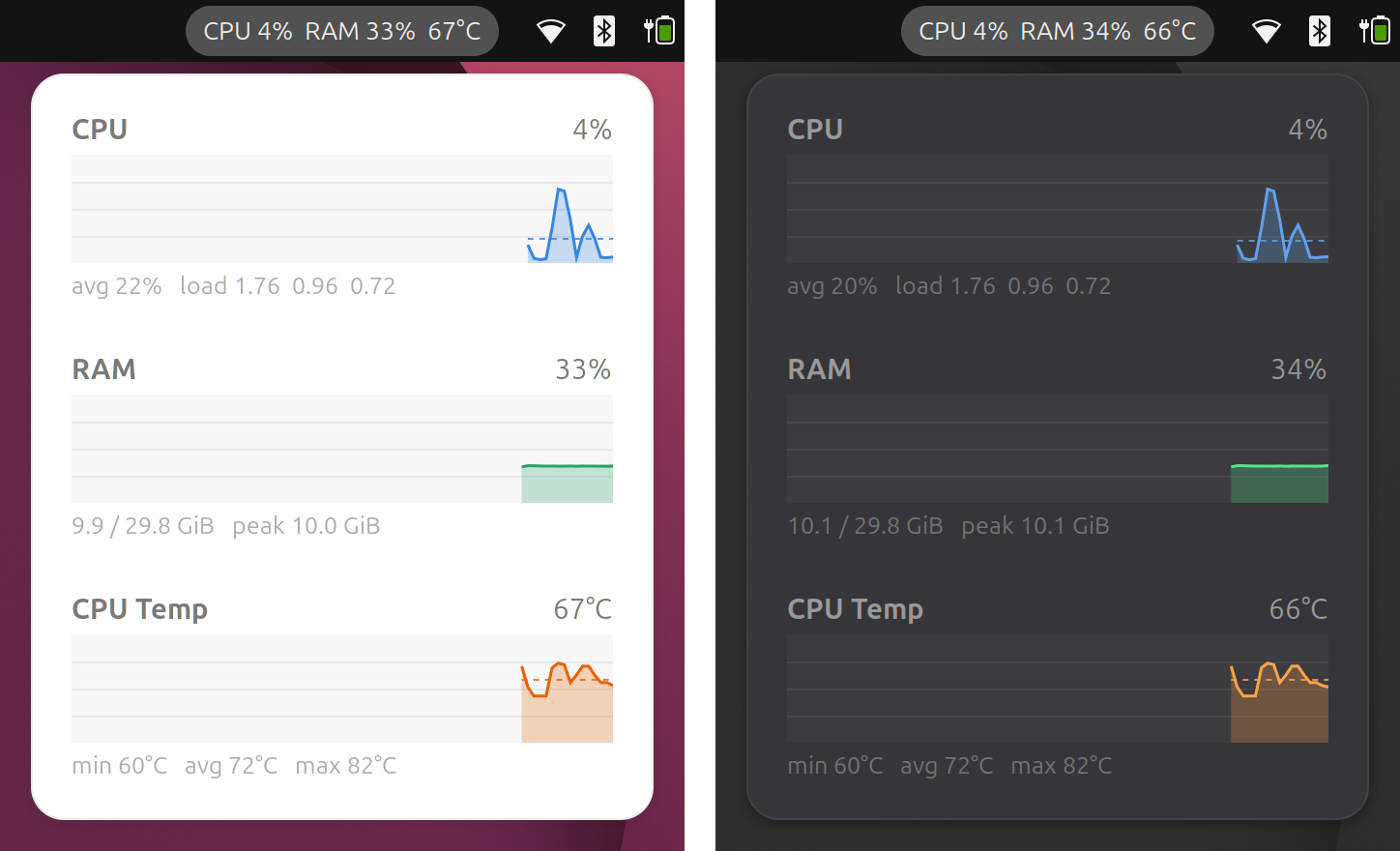
CPU usage, RAM usage and CPU temperature in the top bar. Hover or click the label to see 3-minute history graphs with averages, load average and min/max temperature. The graphs follow the light and dark style.
- Source github.com/piharpi/sysmon
- GNOME Extensions extensions.gnome.org (in review)
Network Monitor Mini
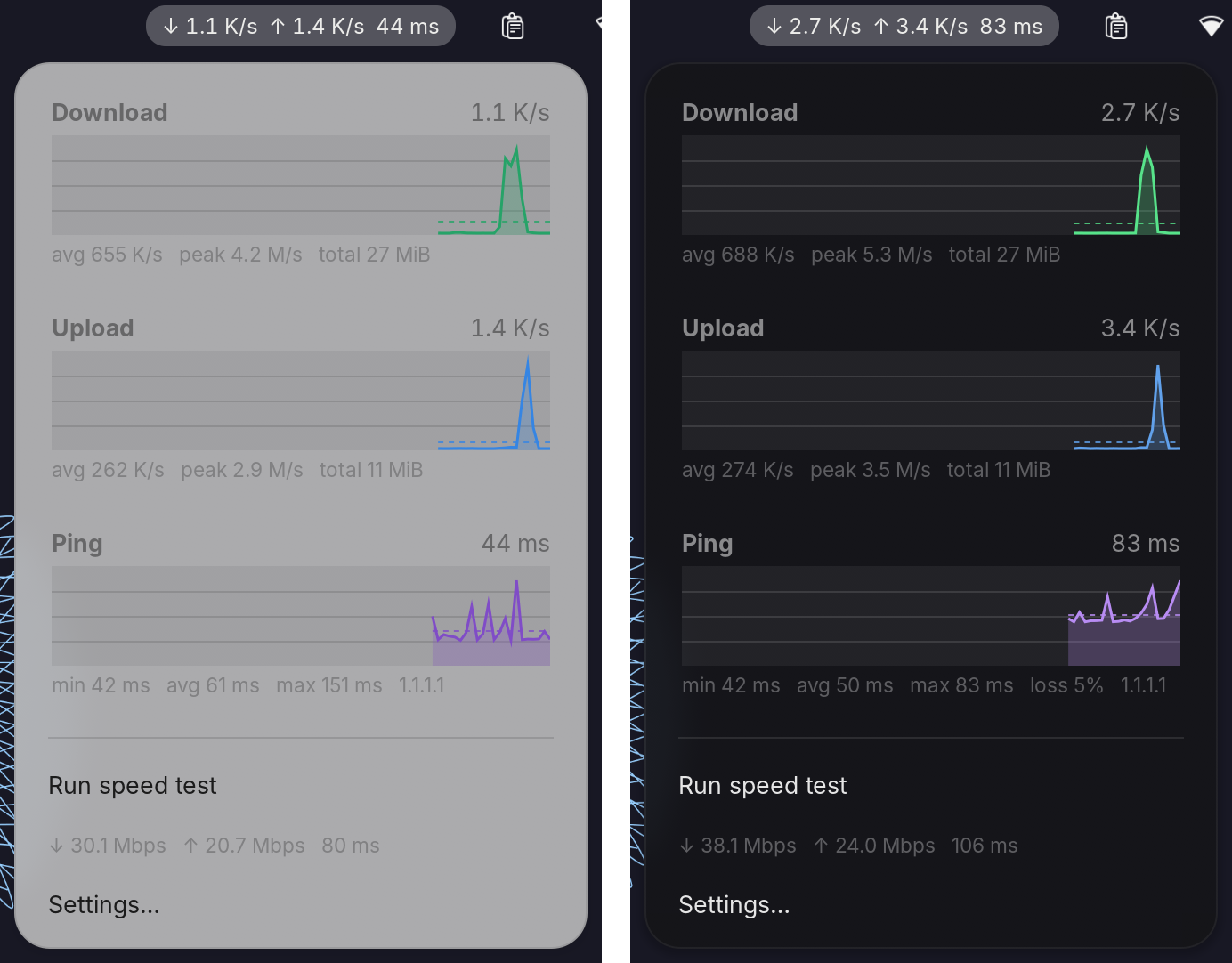
Download speed, upload speed and ping in the top bar, with 3-minute auto-scaling graphs. A speed test against Cloudflare runs from the menu when you click it. The top bar can show everything, a compact view, download only, or just an icon.
- Source github.com/piharpi/netmon
- GNOME Extensions extensions.gnome.org (in review)
Tray Overflow
Hides extra tray icons behind a chevron so the top bar stays tidy. Drag an icon onto the chevron to hide it, or onto a visible icon to keep it shown. The choice is remembered per app.

- Source github.com/piharpi/tray-overflow
- GNOME Extensions extensions.gnome.org (in review)
ClipSafe
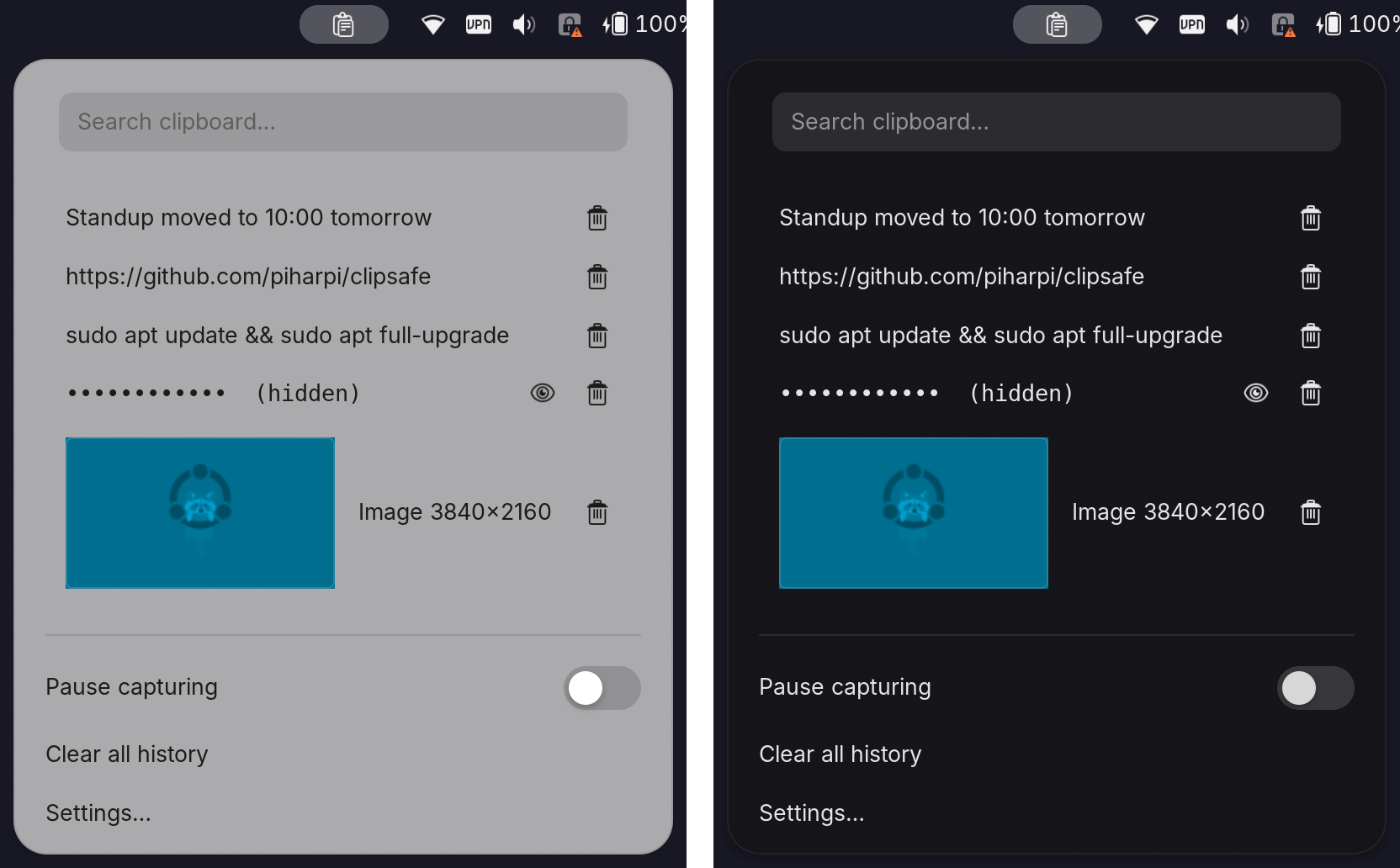
A clipboard history that stays safe. Text is kept in memory only and never touches the disk. Copies from password managers are never saved, and anything that looks like a token or a private key is masked. Images live in a private cache that is wiped every session. Open it with Super+V and search as you type.
- Source github.com/piharpi/clipsafe
- GNOME Extensions extensions.gnome.org (in review)